Garlic Butter Shrimp Pasta
Ingredients
- 8 oz spaghetti
- 1 lb shrimp, peeled
- 4 tbsp butter
- 5 cloves garlic, minced
- Juice of 1 lemon
Servings
4
Quantities scale automatically.
@thecoastalkitchen · TikTok · Open original
 FitFolder
Get the app
FitFolder
Get the app
For iPhone · TikTok & Instagram
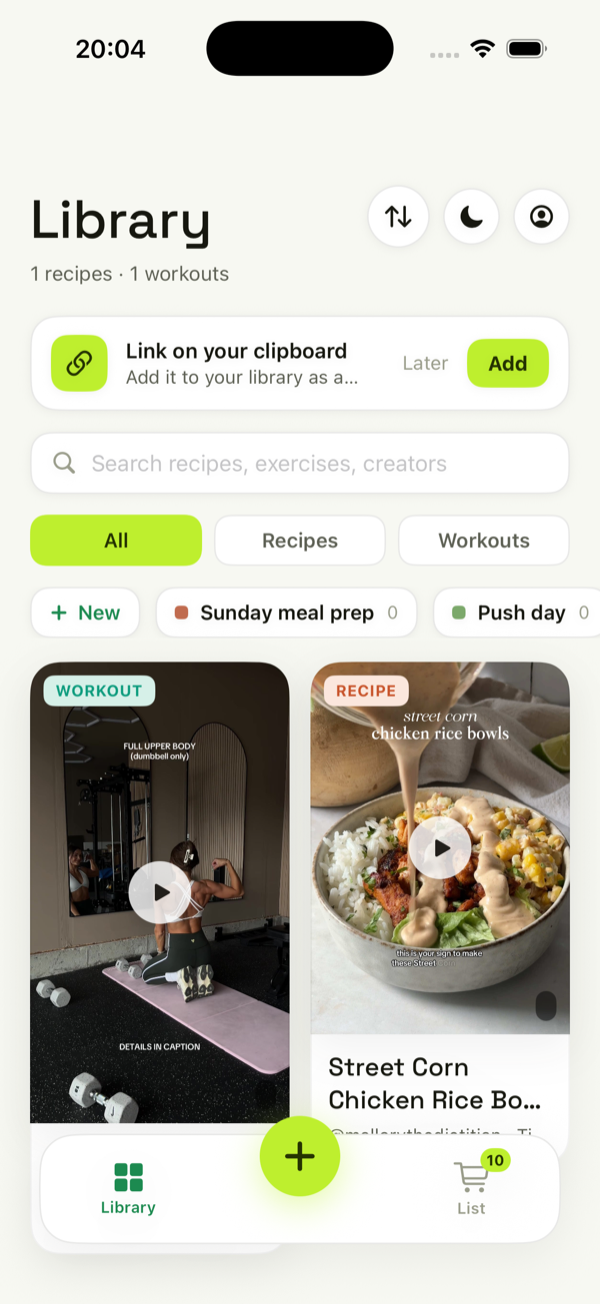
FitFolder watches the cooking and fitness videos you save on TikTok & Instagram and turns them into clean, editable cards — ingredients, steps, sets and reps, pulled from what’s said and shown on screen, not just the caption.
You save the good ones. Then they vanish into a feed you’ll never scroll back through.
saved Reels you’ll probably never open again.
recipe screenshots buried somewhere in your camera roll.
of them turned into something you actually cooked or trained.
FitFolder fixes that — it turns the save into something you’ll use.
How it works
No copy-paste, no manual typing — share a video and FitFolder does the rest.
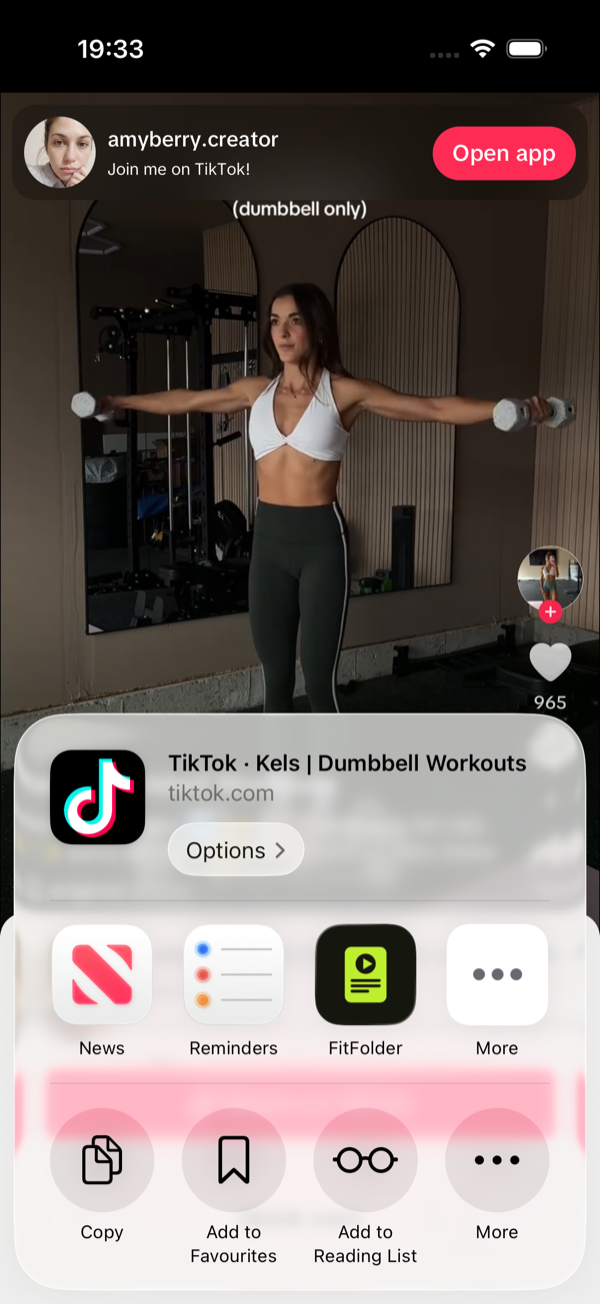
Hit Share on any TikTok or Instagram video and tap FitFolder — right from the app you’re in.
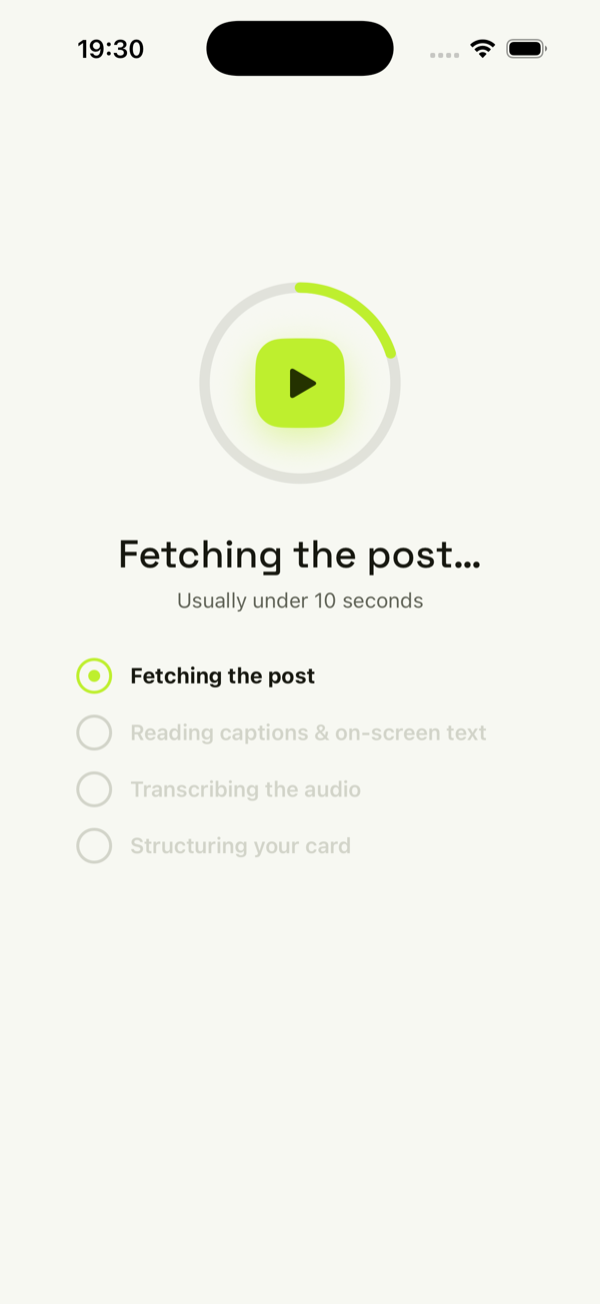
Captions, on-screen text and the audio — all of it, usually in under 10 seconds.
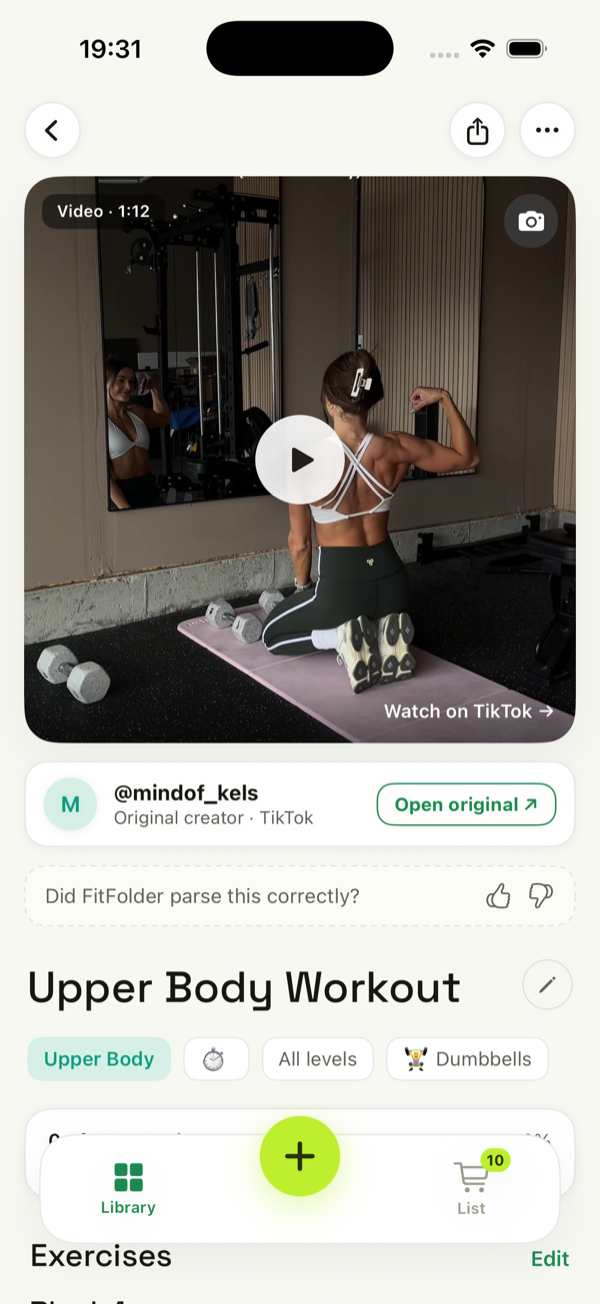
A structured recipe or workout lands in your library — ready to use, edit and check off.
The difference
Most apps only do workouts. FitFolder does both — because the same save-and-forget habit wrecks your recipes too. Two kinds of card, one tidy home.
Ingredients
Servings
Quantities scale automatically.
| Exercise | Sets | Reps |
|---|---|---|
| Dumbbell bench press | 3 | 10 |
| Seated shoulder press | 3 | 12 |
| Incline fly | 3 | 12 |
| Lateral raises | 3 | 15 |
Why it just works
The recipe’s in the voiceover. The reps are a caption burned on screen. The post’s description? Three hashtags and a fire emoji. Other apps scrape that caption and give up. FitFolder transcribes the audio and reads the on-screen text, so you get the whole thing.
“new fav 😍🔥 #fyp #recipe #foodtok”
Heard: “…two tablespoons of butter, five cloves of garlic…”
Read on screen: “BAKE 18 MIN @ 200°C”
Everything in the box
Audio transcription plus on-screen text — it catches what the caption misses.
Share straight from TikTok or Instagram. FitFolder opens and imports it for you — no extra taps.
Scale servings, check off ingredients, log sets and reps, reorder steps. Every card is fully yours.
Add a recipe’s ingredients to a single, aisle-grouped shopping list — ready for the store.
Search, collections and tags keep hundreds of cards a tap away.
Every card links back to the original creator and post. Save it, share it, give them the credit.
Your library lives on your phone and syncs when you’re back online. The gym’s dead spot is no problem.
Open the app and you’re in. No sign-up form, no password — your subscription is your account.
It works with most public TikTok and Instagram cooking and workout videos. Because FitFolder reads the audio and the text on screen, it even pulls a full recipe or workout from videos with an empty or useless caption.
Both. FitFolder was built for cooking and fitness. It figures out which one a video is and gives you the right kind of card — ingredients and steps, or exercises, sets and reps.
No. FitFolder sets you up instantly on your device — no email, no password. Your subscription is your account, and it restores with your Apple ID if you get a new phone.
You get 7 days free, then it’s billed yearly. Cancel anytime in your iPhone’s subscription settings — if you cancel before the trial ends, you won’t be charged a cent.
Completely. Every card is editable like a note — fix a quantity, add a step, reorder exercises, scale the servings, or check things off as you cook and train.
FitFolder is an iPhone app, built for iOS 26 and up.